Pinterest Video Downloader
Free Pinterest to MP4 converter and image downloader. Paste any public Pin or pin.it link to save videos, images, and GIFs instantly — no login or app needed.
Pinterest Image
Your download starts automatically when supported by your browser.
Pinterest to MP4 Converter: Download & Convert Pinterest Videos to MP4
You found a useful video on Pinterest — a quick recipe, a coding tip, a product demo, or a design walkthrough — and you want the actual file on your device as an MP4. Saving the pin to a board keeps it inside Pinterest. Pasting the pin URL into a free Pinterest to MP4 converter or online Pinterest video downloader gets you the video file you can watch offline, edit, or keep in your own library.
This guide shows you exactly how to download video from Pinterest link, what to expect, and how to stay on the right side of the rules.
What Is a Pinterest to MP4 Converter?
A Pinterest to MP4 converter is an online tool that takes a public pin URL and pulls the video (or image/GIF) that Pinterest is already serving. In most cases the file is already an MP4 or a very similar format. The tool simply makes it downloadable. When the original is in another container, some converters let you choose MP4 as the output.
You do not need a Pinterest login. You paste the public link, click download, and save the file. It works for regular video pins, Idea Pins, and many short clips. The same tools also let you download Pinterest images and GIFs — many function as a simple Pinterest image downloader too.
Most people search for a Pinterest video downloader or free Pinterest video downloader when they want the actual file instead of just saving the pin. Learners use these files for offline study. Freelancers build reference libraries. Startups save product inspiration or competitor examples without keeping everything inside the Pinterest app.
Why Convert Pinterest Videos to MP4?
An MP4 file from a Pinterest to MP4 converter plays on almost every phone, laptop, and editing app without extra codecs. The files are usually smaller and more reliable than other formats for long-term storage.
For a student, that means watching a 10-minute design tutorial on the train with no data. For a freelancer, it means dropping the clip straight into Cap Cut or Premiere Rush for a client mood board. For a startup founder, it means keeping a clean folder of product demos and competitor ads that you can review later without opening Pinterest again.
How to Use a Pinterest to MP4 Converter (Step-by-Step)
On Desktop
- Open any public pin on Pinterest.
- Click the share icon and choose “Copy link.”
- Go to a Pinterest to MP4 converter or Pinterest link downloader and paste the URL into the box.
- Click Download.
- Choose the highest available quality and save the Pinterest download MP4.
On Mobile (Android or iPhone)
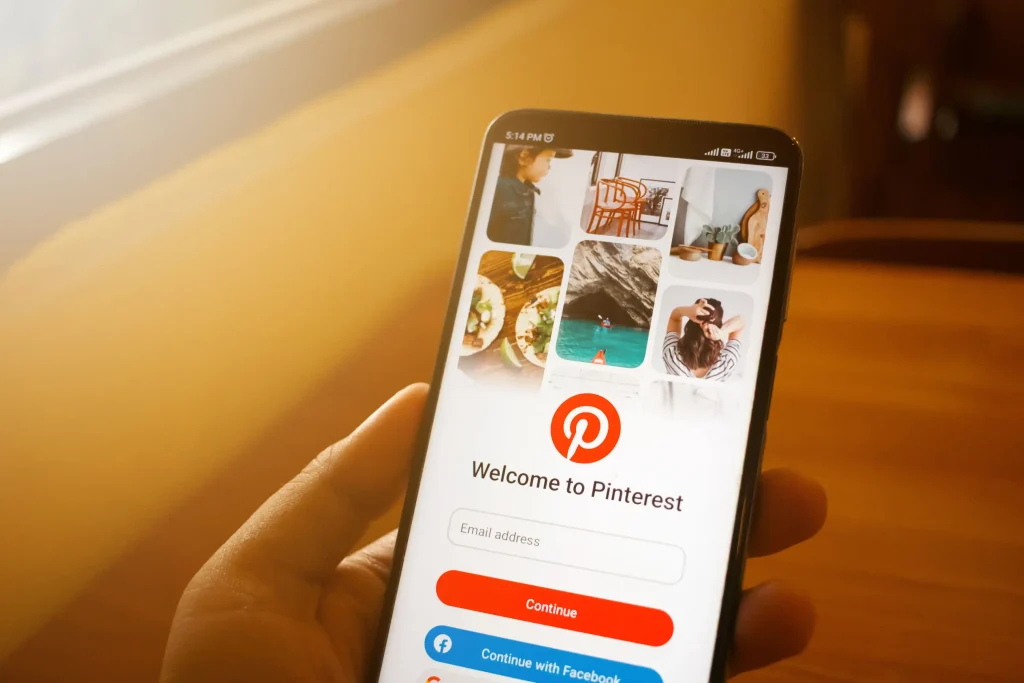
- Open the pin in the Pinterest app.
- Tap the three dots → Copy link.
- Paste the link into the converter site in your browser.
- Download the file. This is the easiest way how to save Pinterest videos to camera roll on iPhone or to your Gallery on Android.
Real Example
Last week I needed a short woodworking joinery clip for a client presentation. I copied the pin URL from Pinterest, pasted it into a Pinterest link downloader, and had a clean 1080p MP4 in under 20 seconds. I dropped it into Cap Cut, trimmed the intro, and added it to the deck. No watermark, no login required.
Tip: Always copy the direct pin link, not a board link or a generic share page. Board and profile links often fail.
Best Free Pinterest to MP4 Converters & Downloaders in 2026
Here is a practical look at current free Pinterest video downloader options that also work well as a Pinterest to MP4 converter:
KlickPin
Fast, supports videos, images, GIFs, stories, and limited board/profile pulls. Clear about public pins only. Good mobile experience and works as a solid online Pinterest video downloader.
PrintDwn
Simple interface, claims HD/4K when available, no registration. A straightforward free Pinterest video downloader for single pins.
PintSave
Strong emphasis on responsible use and clear limitations. Multi-language support and solid mobile performance. Functions as a reliable free Pinterest downloader.
All three are free and require no account. They return the quality Pinterest actually provides — they cannot upscale a low-resolution original. Test one or two; tools can temporarily break when Pinterest changes its code, so having a backup is useful.
Alternative Ways to Download or Convert Pinterest Videos
Troubleshooting Common Problems

Is It Legal and Safe to Use a Pinterest to MP4 Converter?
Download only public pins you own or have clear permission to save. Public availability does not equal free commercial use. Pinterest’s terms and copyright law still apply.
Safe personal uses include offline learning, private reference libraries, and internal team inspiration. Avoid reposting, selling, or using the files in client work without the creator’s permission.
Choose tools that deliver a clean Pinterest video download without watermark and never ask for your login. Stick to well-known sites, keep your browser updated, and avoid anything that pushes extra software downloads.
Web Tool vs. Browser Extension vs. Mobile Shortcut: Which Should You Use?
Not every method fits every use case:
| Method | Speed | Ads | Best for |
|---|---|---|---|
| Online downloader (this site) | Fast, one pin at a time | Minimal | Occasional downloads, no install needed |
| Browser extension | Fastest — one click from the pin itself | Fewer | Frequent, repeated downloading |
| Mobile share-sheet / shortcut | Moderate | Varies | Staying entirely inside the Pinterest app |
If you’re grabbing one video now and then, a web-based downloader is the least commitment — nothing to install, works from any device. If you’re pulling videos regularly, a browser extension saves the copy-paste step. Mobile shortcuts are convenient if you never leave the app, but they tend to break more often when Pinterest updates its layout.
After You Download – Tips for Learners, Freelancers & Startups
Organize immediately. Create folders by topic (recipes, design, product research) and name files clearly (2026-joinery-tip.mp4).
Once you have the file from any Pinterest download MP4 tool, you can re-encode it if needed with free tools like Handbrake (desktop) or Cap Cut (mobile).
- Learners: Keep a folder of study clips for offline review.
- Freelancers: Build client-specific mood boards with the actual video files.
- Startups: Archive competitor examples and product demos for later analysis.